AI Systems
Claude Code vs Cursor: Which One for AI Coding Skills?
 5 min read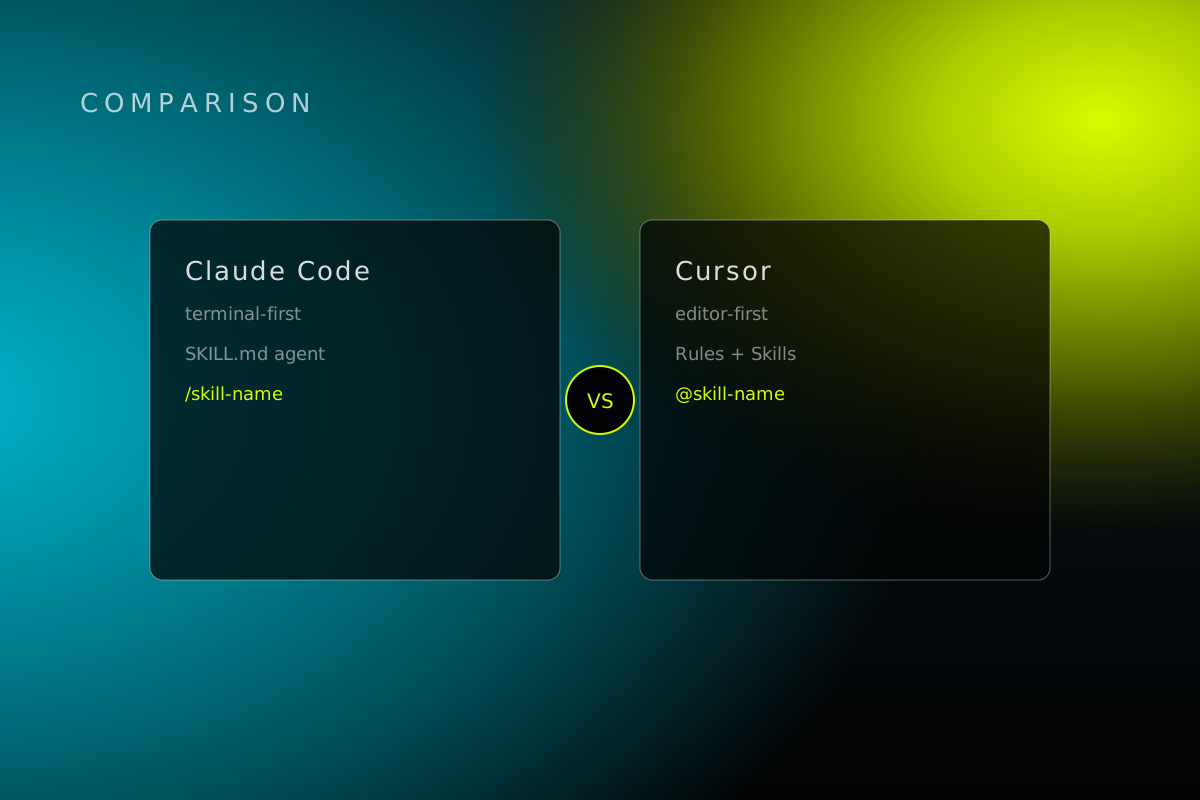
Claude Code vs Cursor used to be an easy fight to describe.
Terminal tool vs AI editor. Pick your lane.
Not anymore. Both now speak the same open Agent Skills format. Same file, same idea, different engine underneath. Here's what actually separates them as of August 2026, pulled straight from each vendor's own docs.
What Claude Code is
An agentic coding tool from Anthropic. Terminal, IDE, Slack, the web, wherever you live.
It reads your codebase. Makes a plan. Edits across files. Runs commands. Turns a GitHub issue into a pull request while you get coffee.
Anthropic's pitch includes background agents that keep working while you don't, an agent view that acts as mission control across every running session, and the ability to fan a job out across "10s to 100s of parallel subagents." CLI-first by design. Everything else got bolted on after.
What Cursor is
A full AI-native code editor. VS Code's chassis, a much bigger engine.
Agent Mode does the heavy lifting: independent multi-step tasks, terminal commands, file edits, essentially unlimited tool calls in a session. It checkpoints before big changes, so you can undo an agent's bad day. There's a /goal command for handing it a standing objective instead of babysitting one request at a time.
Cursor also ships its own model, Composer, tuned for speed inside the editor, and has been pushing into cloud background agents through 2026. Editor-first. Most people never leave it.
How skills actually work in each
Claude Code uses SKILL.md folders. Name, description, instructions, optionally scripts and references. Lives in ~/.claude/skills for you personally or .claude/skills for the project. Discovery is progressive: Claude loads just the name and description at startup, pulls the full thing in only when a task matches, or you call it directly with /skill-name.
Cursor runs two systems. Rules are the old guard: .mdc files under .cursor/rules, always-on or auto-attached by file pattern. Skills are the new arrival, same SKILL.md format, same open standard, with a built-in migration tool that converts your old Rules into Skills.
The upshot: write a skill once, as a plain folder, and it moves between the two with little or no rewrite. That's not a coincidence. That's the entire point of a cross-agent skill.
That's also why we stopped building tool-specific playbooks. Baader keeps a skills library on the same open standard, so a skill written for Claude Code drops straight into Cursor, Codex, Copilot, or Gemini with no rewrite. If you're deciding between these two tools right now, it's worth a browse before you pick a side. It's free, and it'll show you what a well-built skill actually looks like instead of a vendor's marketing page.
Pricing and access
Claude Code isn't on the free plan. Pro includes it. Max starts at $100/month for 5x usage, $200/month for 20x. Team runs $20 to $100/seat, annually, and folds in Claude Cowork.
Cursor has a Hobby tier that won't survive serious agent use. Individual Pro is $20/month, Pro Plus $60, Ultra $200. Teams: $40 or $120/user/month.
Close enough at the entry level that price isn't the real decision. The real decision is what you're buying. Cursor sells you a choice of models, including its own. Claude Code sells you Anthropic's models specifically, wired deeper into your terminal and workflow.
The verdict
Live in the terminal, want background work and subagents doing the heavy lifting, comfortable writing your own skills: Claude Code.
Want an IDE-first daily driver, freedom to switch models, and a lower cost of entry: Cursor.
Running a team split across both: doesn't matter as much as you'd think. Both tools now read the same SKILL.md file. Build the instructions once. Stop rebuilding them per tool.
Whichever one your team lands on, the actual leverage isn't the editor. It's the instructions you build to make it useful, and whether you have to rewrite them every time someone switches tools.
Want this run for your business?
Most partners start with The Growth Hour.